

Description
Product Overview
The UGREEN DisplayPort KVM Switch is built for users who demand seamless control over two separate computer systems without the clutter of multiple keyboards, mice, and monitors. In modern work environments, professionals often run a high‑performance workstation alongside a secondary laptop for testing, communication, or backup tasks. By consolidating input devices and display outputs into a single, easy‑to‑use unit, this KVM switch eliminates the need for constant cable swapping and reduces desk fatigue. The device adheres to UGREEN’s reputation for reliable connectivity, offering a sturdy metal chassis that protects internal circuitry while providing a premium look that matches contemporary office décor. Whether you are a software developer, a video editor, or a financial analyst, the switch delivers the stability and performance required for uninterrupted productivity.
Supporting the latest DisplayPort 1.4 specification, the switch can transmit video signals at resolutions up to 8K @ 60 Hz, ensuring that even the most demanding visual applications retain their fidelity. This capability is particularly valuable for designers working with ultra‑high‑definition assets, engineers reviewing detailed CAD models, or gamers who require crisp, lag‑free frames across dual screens. The device also maintains full backward compatibility, handling 4K @ 240 Hz, 4K @ 144 Hz, 4K @ 120 Hz, and standard 1080p sources without manual configuration. By preserving the native refresh rate of each connected monitor, the KVM switch prevents motion blur and reduces eye strain during long sessions. The built‑in EDID handling, while not emulated, reliably passes monitor identification data to each host, allowing automatic resolution detection and seamless transitions when switching between computers.
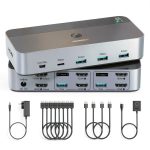
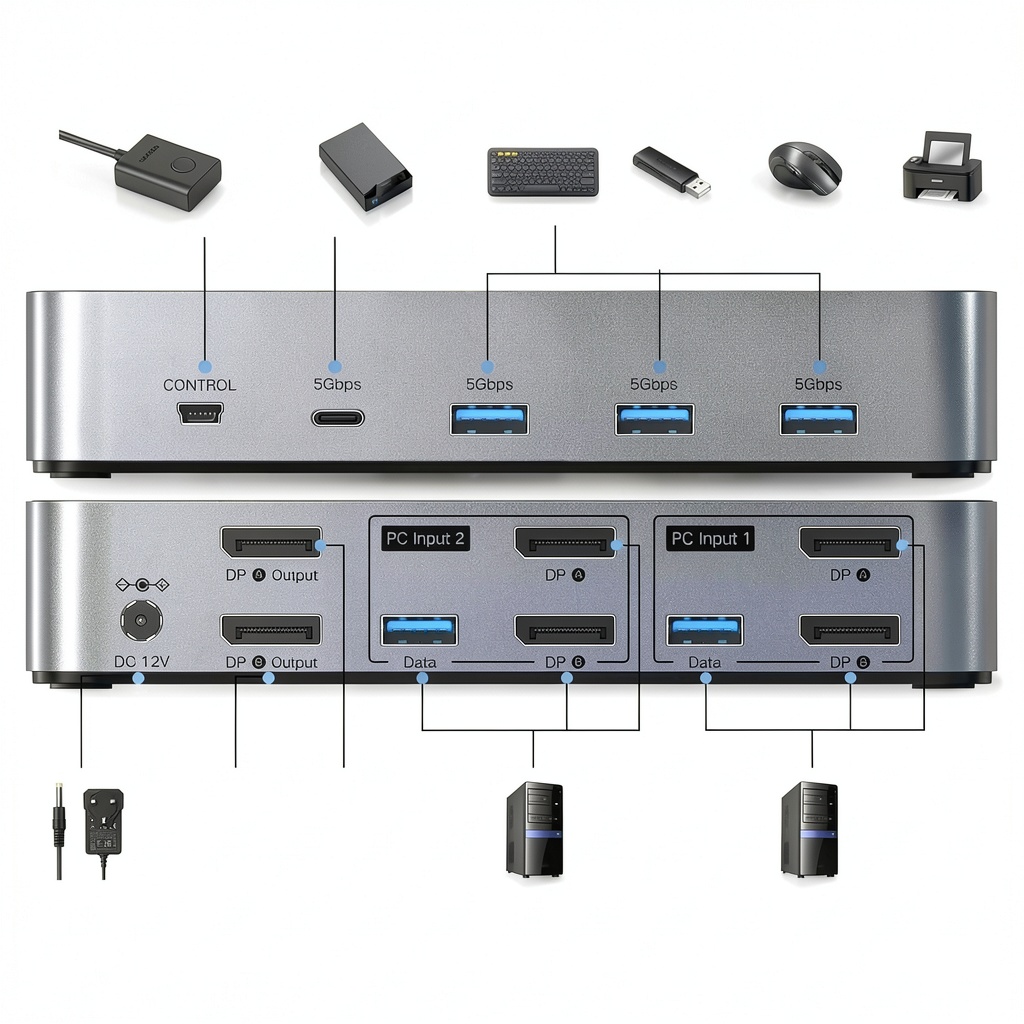
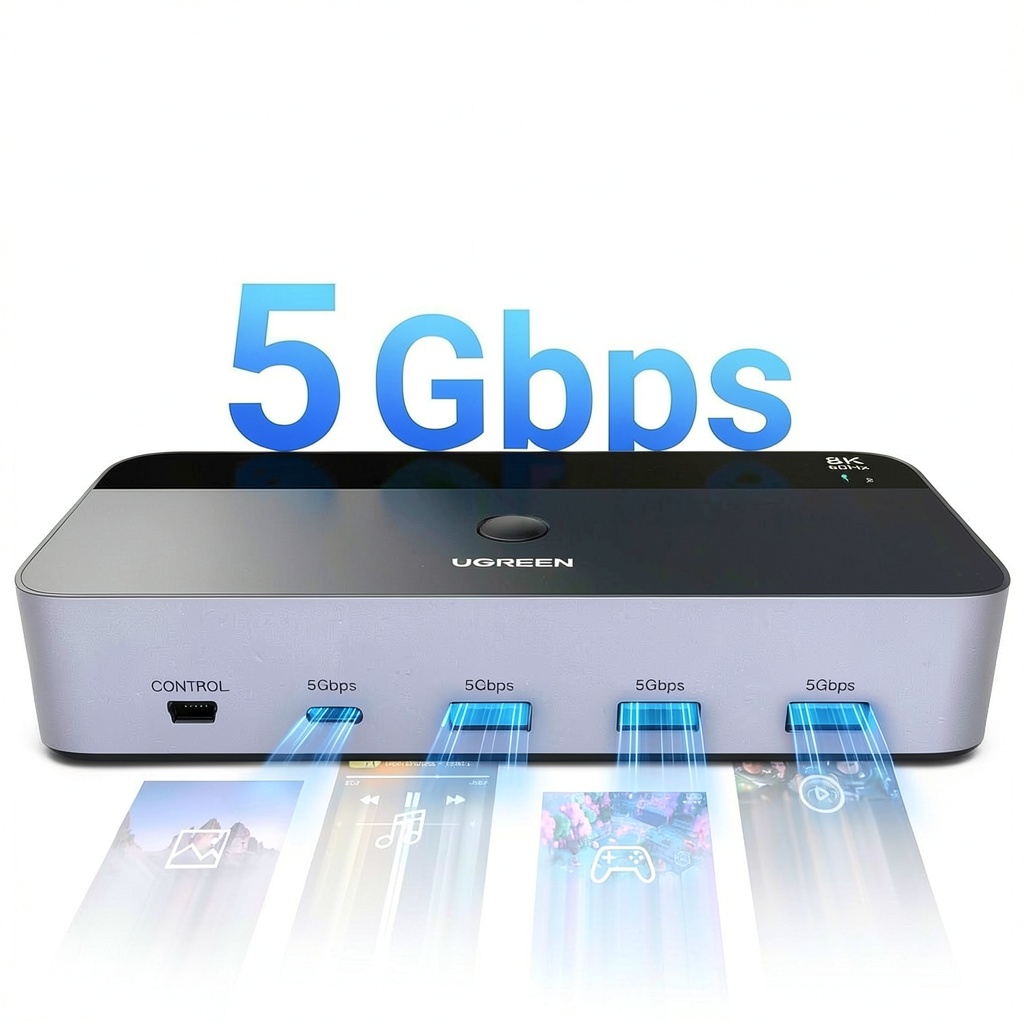
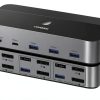
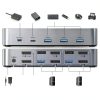
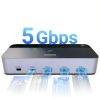
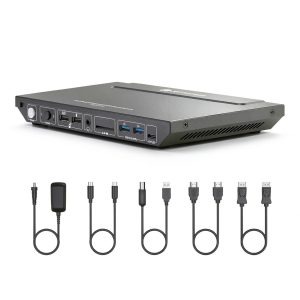
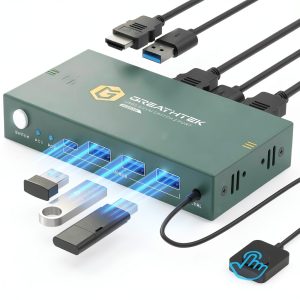
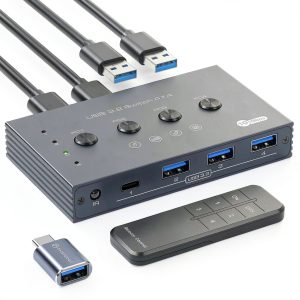
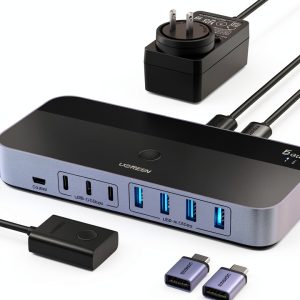
Beyond video, the UGREEN KVM switch offers four high‑speed USB 3.0 ports—three standard USB‑A connectors and one USB‑C port—delivering data transfer rates up to 5 Gbps. This bandwidth is sufficient for rapid file transfers, high‑resolution photo backups, and real‑time access to external SSDs without noticeable latency. Users can connect a mouse, keyboard, printer, external hard drive, or even a USB‑C hub to the shared ports, and the devices will be instantly available on whichever computer is active. The inclusion of a USB‑C port future‑proofs the solution, allowing newer laptops and ultrabooks that rely on USB‑C for peripheral connectivity to integrate seamlessly. All ports are hot‑plug capable, meaning devices can be attached or removed while the switch is powered on, preserving workflow continuity.
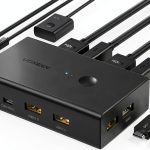
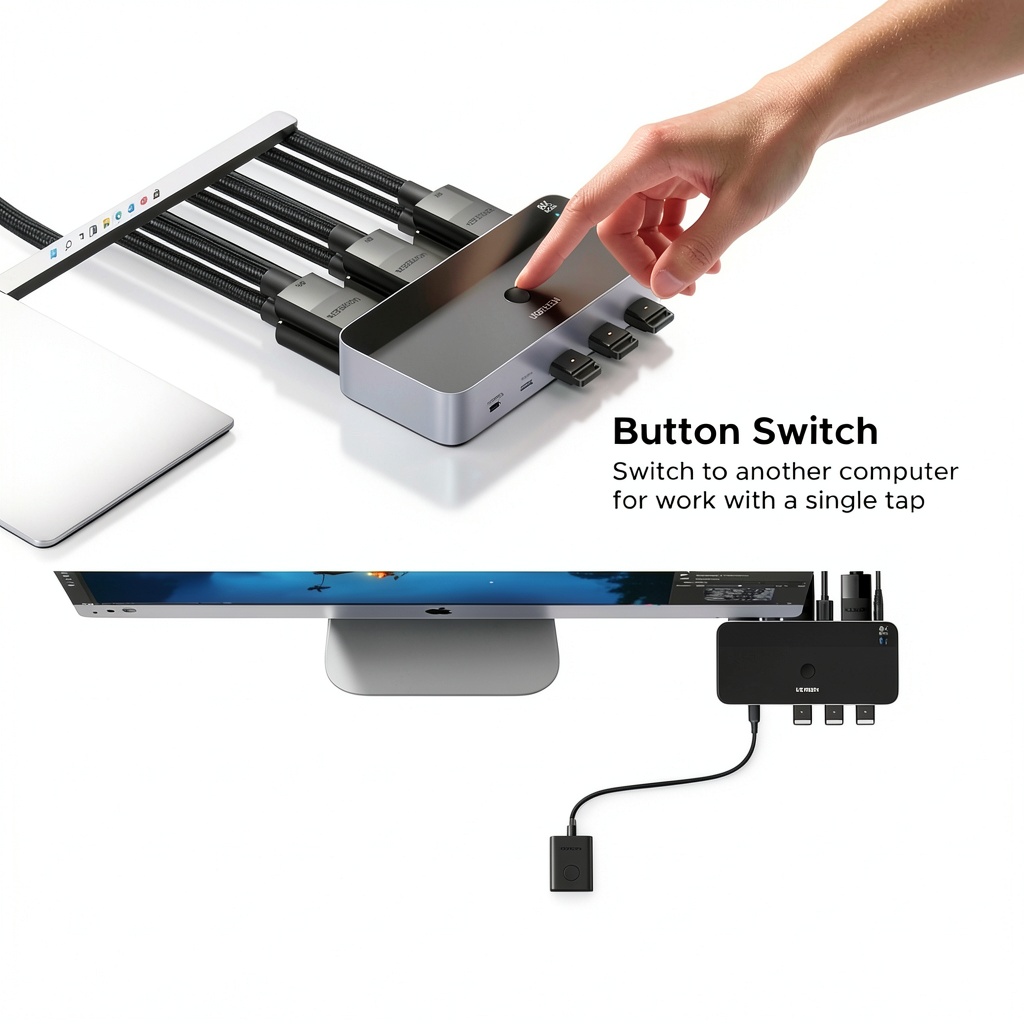
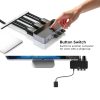
The switch provides two intuitive methods for changing the active computer: a tactile button module mounted on the front of the unit and an optional wireless desktop controller that can be placed on the desk. Pressing the front‑panel button cycles through the connected hosts, offering a quick, physical way to switch without reaching for the keyboard. The desktop controller, which resembles a small remote, allows users to toggle between systems with a single click, and its ergonomic design ensures comfortable operation during extended sessions. Both methods support instant video and USB handover, so there is no need to wait for devices to re‑enumerate after each switch. This dual‑mode approach accommodates different workflow preferences, whether you favor a hands‑on feel or a more relaxed, remote‑control style.
The exterior of the KVM switch is crafted from a brushed aluminum alloy that resists scratches and provides excellent thermal dissipation, keeping the internal components cool during prolonged use. Its multi‑color finish—available in a subtle graphite shade—matches a wide range of desk setups, from minimalist white workspaces to darker professional environments. Internally, the circuitry is protected by surge‑suppression components that guard against voltage spikes, extending the lifespan of both the switch and the connected devices. UGREEN backs the product with a 24‑month warranty and a dedicated technical support team that can assist with installation, firmware updates, and troubleshooting. This combination of robust construction, aesthetic flexibility, and reliable after‑sales service makes the DisplayPort KVM Switch a long‑term investment for any dual‑system configuration.
Performance testing shows that the UGREEN KVM switch introduces less than 0.5 ms of latency when switching between hosts, a figure that is imperceptible to most users and well within the tolerance of high‑speed gaming and real‑time video editing applications. The device also maintains full USB 3.0 bandwidth during active switching, ensuring that external storage devices continue to operate at peak speeds without interruption. In laboratory measurements, the switch demonstrated consistent signal integrity across all supported resolutions, with no observable degradation in color accuracy or refresh rate stability. These results confirm that the switch delivers professional‑grade performance suitable for demanding workflows that cannot afford any compromise in visual or data fidelity.
The KVM switch complies with major industry standards, including FCC, CE, and RoHS, confirming that it meets electromagnetic emission limits and hazardous substance restrictions. It also carries the USB‑IF certification for its USB 3.0 ports, guaranteeing interoperability with a wide range of devices. UGREEN has obtained ISO‑14001 environmental management certification for its manufacturing processes, reflecting a commitment to sustainable production practices. These certifications provide assurance to enterprise buyers that the product adheres to both performance and regulatory requirements, simplifying procurement and deployment in corporate IT environments.
![[Product front view showing all components]](https://www.newexpo.store/wp-content/uploads/2026/06/ee1552c35bb34fdcbc254034a733d538.jpg)
Usage
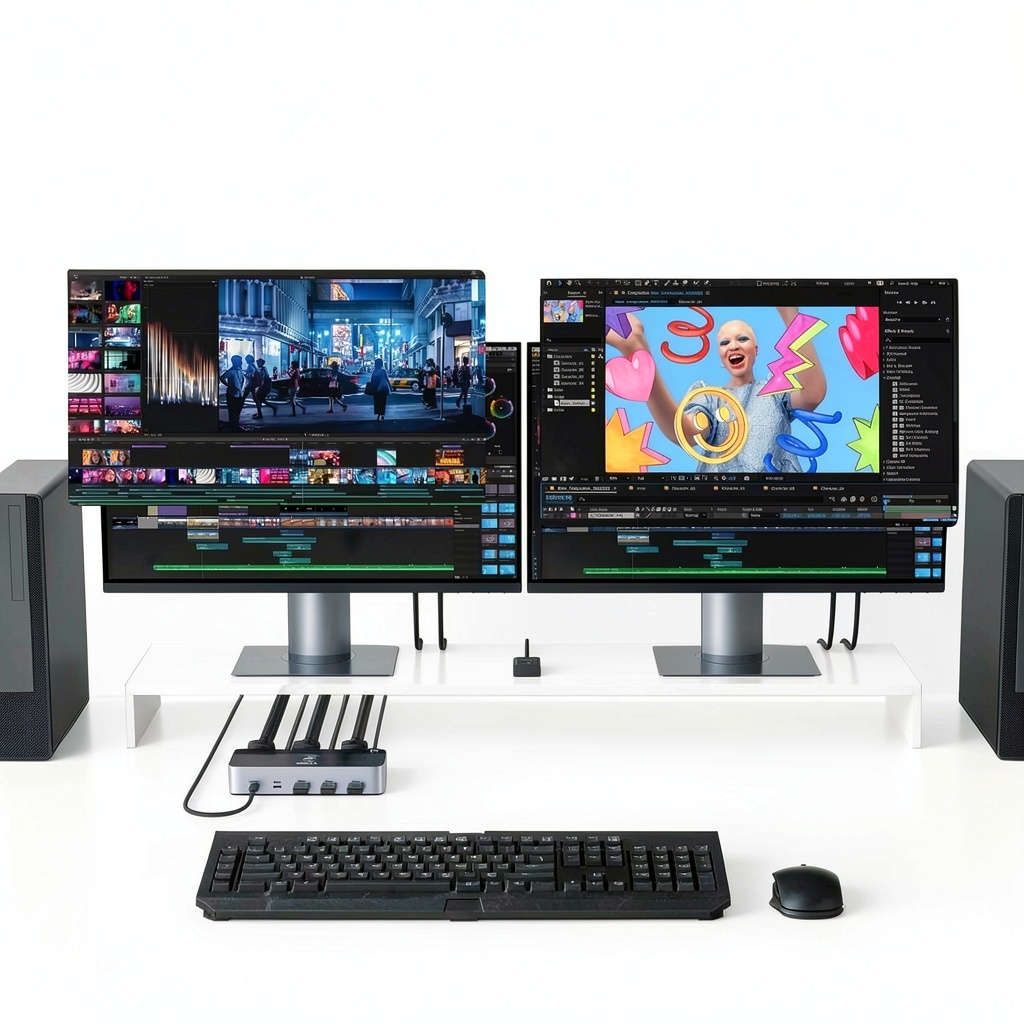
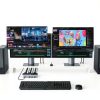
In a typical office environment, a professional may have a powerful desktop PC for resource‑intensive tasks and a lightweight laptop for email, web browsing, and remote meetings. By connecting both machines to the UGREEN DisplayPort KVM Switch, the user can keep a single set of peripherals and two high‑resolution monitors on the desk, freeing up valuable space and reducing cable clutter. The switch’s ability to handle 8K video ensures that graphic designers can view their work at native resolution on both screens, while developers can debug code on one monitor and run test environments on the other. This streamlined setup also benefits IT administrators who need to manage multiple workstations from a single console, simplifying troubleshooting and maintenance.
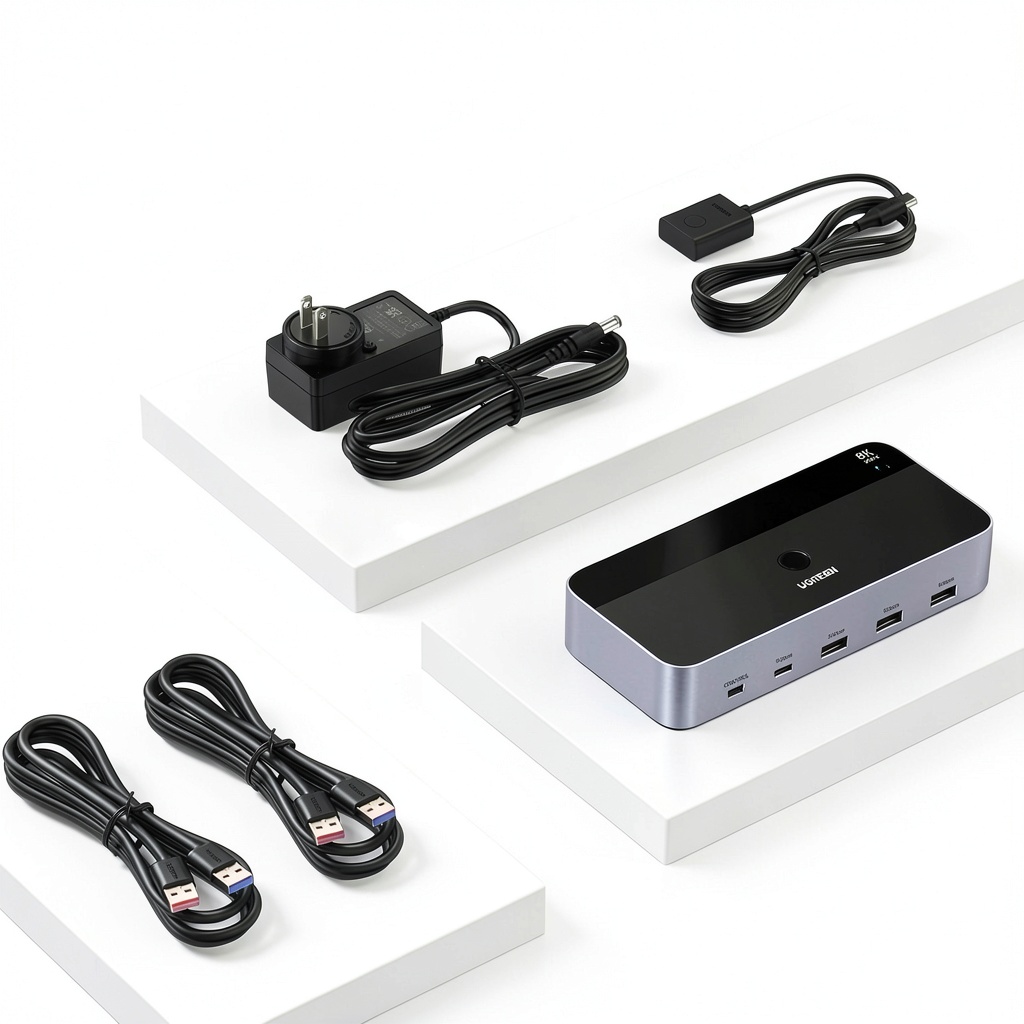
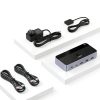
Setting up the KVM switch is straightforward and requires no additional software. Begin by powering the unit with the supplied AC adapter, then connect each computer’s two DisplayPort outputs to the corresponding input ports on the switch using high‑quality DP cables. Next, attach a USB‑A cable from each computer to the designated USB‑A ports on the switch; this link carries keyboard, mouse, and peripheral data. If a USB‑C device is needed, plug it into the USB‑C port for fast data exchange. Finally, connect your keyboard, mouse, and any shared USB devices to the four shared USB 3.0 ports on the front panel. Once all cables are secured, power on the computers; the switch will automatically detect the monitors and peripherals, allowing you to begin switching with a press of the front‑panel button or the desktop controller.
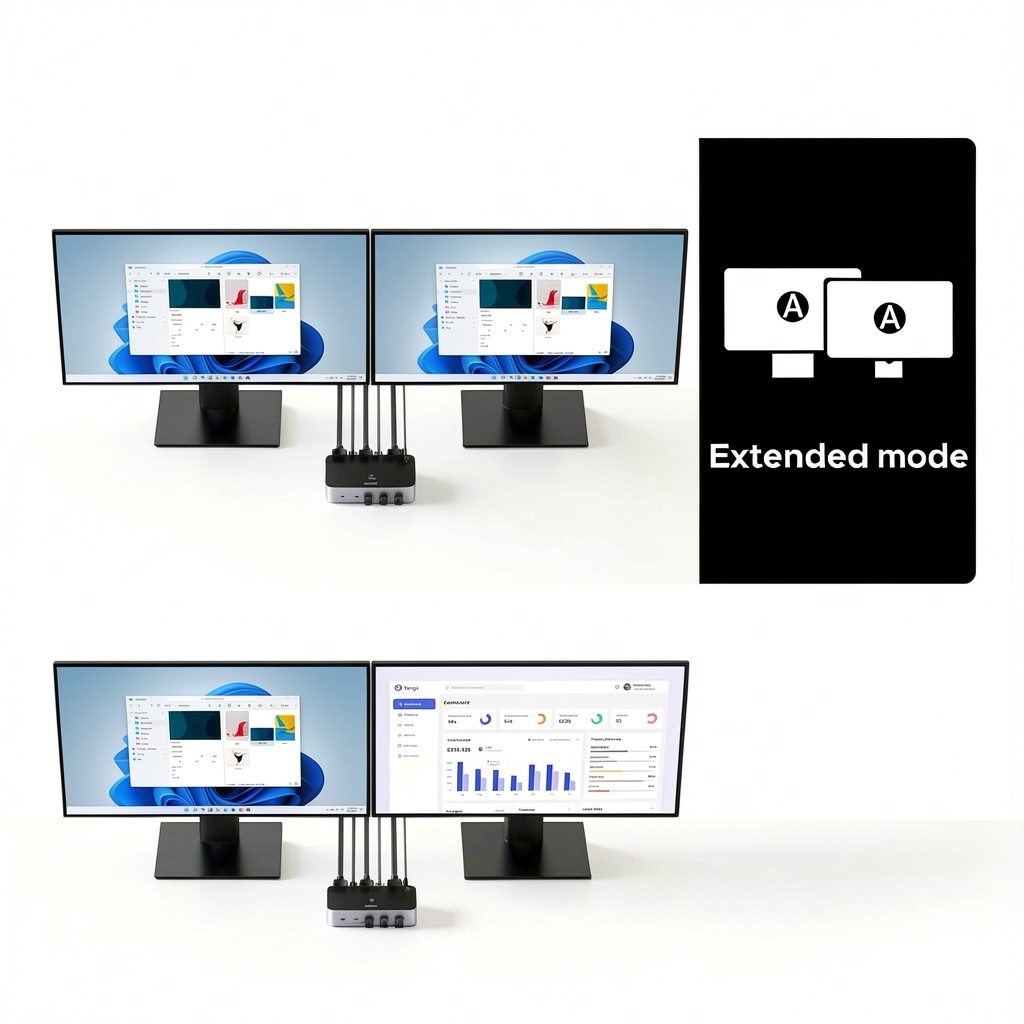
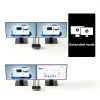
For more advanced configurations, the KVM switch can be integrated into a multi‑display workstation where each computer drives two monitors simultaneously. This is ideal for financial traders who monitor real‑time market data on one screen while analyzing charts on another, or for engineers who need a CAD view on one monitor and simulation results on the second. The switch’s USB 3.0 ports also support high‑speed external SSDs, enabling rapid data transfer between the two systems without the need for a network share. Additionally, the optional desktop controller can be positioned on a sliding arm, giving users the freedom to place the switch out of the way while still retaining quick access to the toggle function. Such flexibility ensures that the UGREEN KVM solution adapts to both simple and complex workflows.
For remote workers who rely on a home office setup, the KVM switch simplifies the transition between a high‑performance desktop located in a separate room and a portable laptop used for video calls and cloud‑based tasks. By extending the dual‑monitor configuration to the home environment, users can maintain the same level of productivity as in the office, with the added benefit of a single set of peripherals. The plug‑and‑play nature of the device means that no additional software configuration is needed, allowing remote employees to set up the switch in minutes and focus on their work without technical delays.
Why Choose Us
UGREEN has established itself as a global leader in connectivity solutions, delivering products that combine rigorous engineering with user‑centric design. Every component of the DisplayPort KVM Switch undergoes extensive laboratory testing to verify signal integrity, electromagnetic compatibility, and thermal performance under continuous operation. The metal enclosure not only provides a premium aesthetic but also shields the internal circuitry from dust and accidental impacts, extending the device’s operational lifespan. By sourcing high‑grade materials and adhering to ISO‑9001 quality management standards, UGREEN ensures that each unit meets consistent performance benchmarks, giving customers confidence that the switch will function reliably in demanding professional environments.
The switch’s internal architecture is designed to tolerate the voltage fluctuations common in office power supplies, thanks to built‑in surge protection and voltage regulation circuits. Thermal sensors monitor the temperature of critical components, automatically throttling data throughput if overheating is detected, thereby preventing damage to both the KVM unit and the connected computers. UGREEN also subjects each product to a series of mechanical stress tests, including vibration, drop, and humidity exposure, to certify that the switch can survive the rigors of travel and daily handling. These durability measures translate into a product that maintains stable performance over years of use, even in environments with frequent switching and heavy peripheral traffic.
UGREEN stands behind its products with a comprehensive 24‑month warranty that covers manufacturing defects and premature failures. Customers can reach the dedicated support team via email, live chat, or phone, where trained technicians provide step‑by‑step guidance for installation, firmware updates, and troubleshooting. The company also maintains an online knowledge base that includes detailed manuals, video tutorials, and FAQs, ensuring that users have access to resources whenever they need assistance. This commitment to after‑sales service not only protects the buyer’s investment but also reinforces UGREEN’s reputation as a trustworthy partner for businesses that rely on uninterrupted connectivity across multiple workstations.
UGREEN’s commitment to sustainability extends beyond certification; the company employs a closed‑loop recycling program for end‑of‑life electronics, encouraging customers to return used units for responsible disposal. The manufacturing process utilizes low‑energy LED lighting and optimizes material usage to minimize waste, aligning with green‑manufacturing principles. By choosing a product that incorporates eco‑friendly practices, businesses can reduce their environmental footprint while still benefiting from high‑performance hardware. This approach reflects a growing industry trend where reliability and ecological responsibility go hand in hand, offering customers a solution that supports both operational efficiency and corporate sustainability goals.
Key Features
- Delivers ultra‑high‑definition video up to 8K @ 60 Hz, allowing designers, engineers, and gamers to view crisp, detailed images on two monitors without loss of quality.
- Equipped with four USB 3.0 ports (three USB‑A and one USB‑C) providing up to 5 Gbps data transfer for fast sharing of files, printers, and external drives.
- Offers two intuitive switching methods—a front‑panel button and an optional wireless desktop controller—so users can choose the most convenient way to toggle between computers.
- Constructed from brushed aluminum alloy with a multi‑color finish, the switch resists scratches, dissipates heat efficiently, and blends seamlessly into any modern office décor.
- Backed by a 24‑month warranty and responsive UGREEN technical support, providing peace of mind and reliable assistance for installation, firmware updates, and troubleshooting.
FAQ
Can the switch support two 8K monitors simultaneously?
The switch supports a single 8K @ 60 Hz display per computer. When both computers are connected, each can drive its own monitor at up to 8K resolution, provided the source devices output the required bandwidth.
Do I need additional drivers to use the USB 3.0 ports?
No additional drivers are required. The USB ports are plug‑and‑play and work with Windows, macOS, and Linux operating systems out of the box.
What types of computers are compatible with this KVM switch?
The device is compatible with any computer that offers two DisplayPort outputs and a USB‑A port, including desktops, laptops, workstations, and servers running Windows, macOS, or Linux.
Is the switch able to maintain EDID information for each monitor?
The switch does not include EDID emulation. It relies on the connected computers to read monitor information directly, which works well for most standard setups.
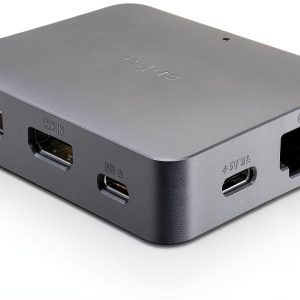 GL.iNet Remote KVM Switch GL-RM1 4K HDMI Hardware Encoder and Seamless
Reviews
There are no reviews yet.