
Description
Product Overview
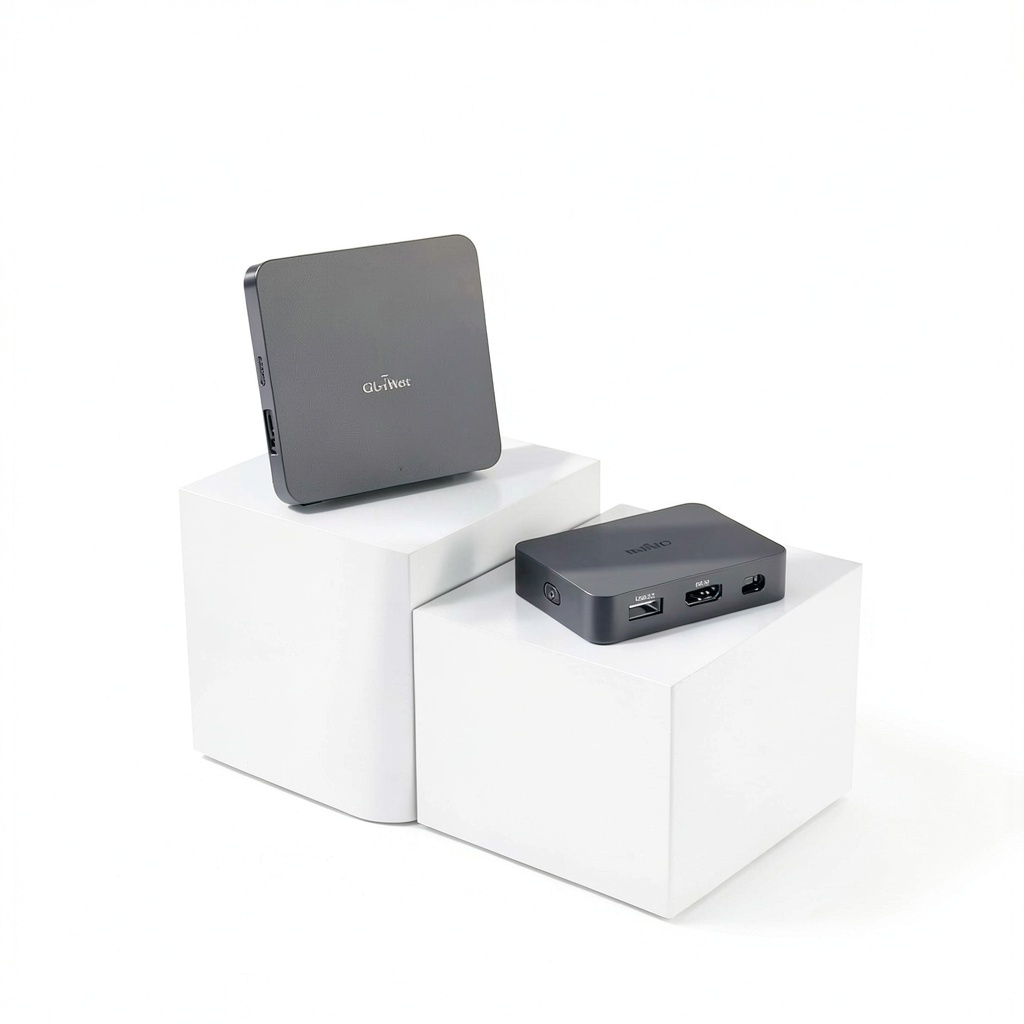
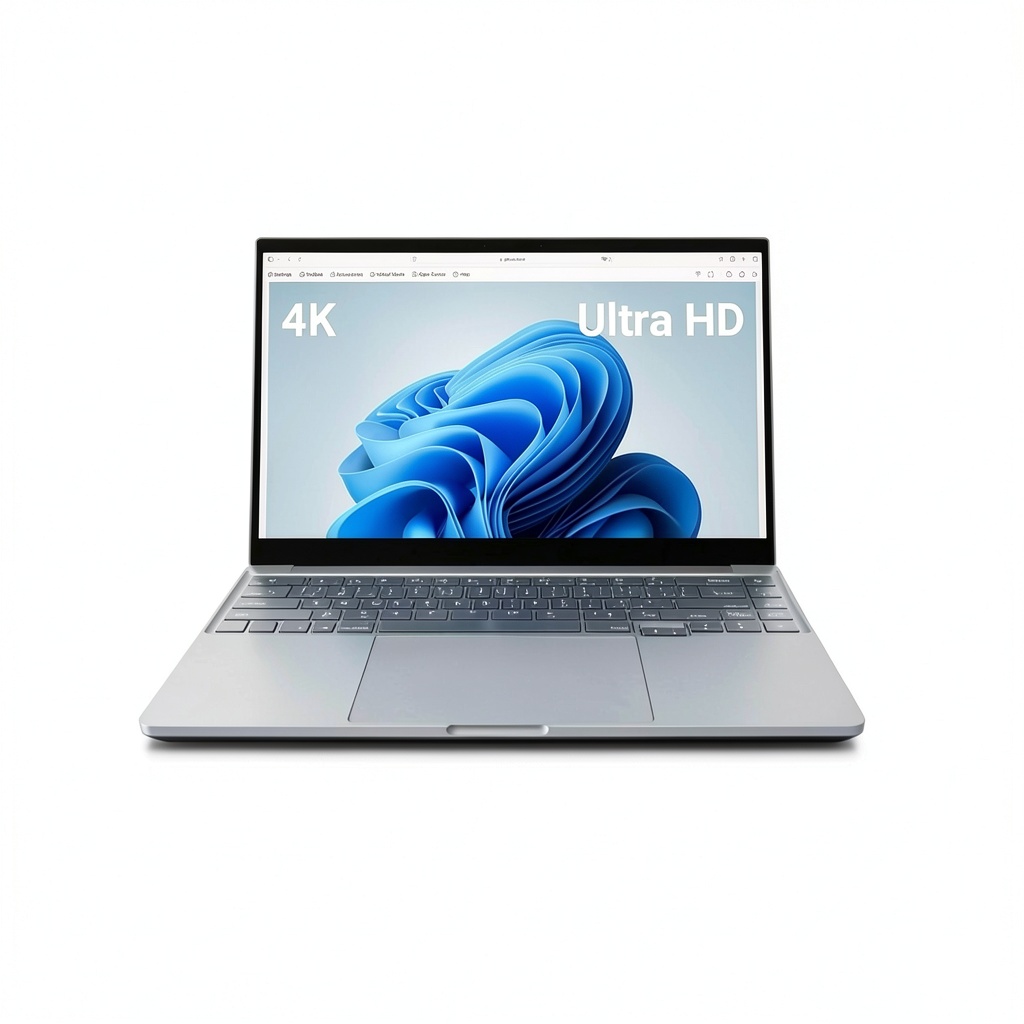
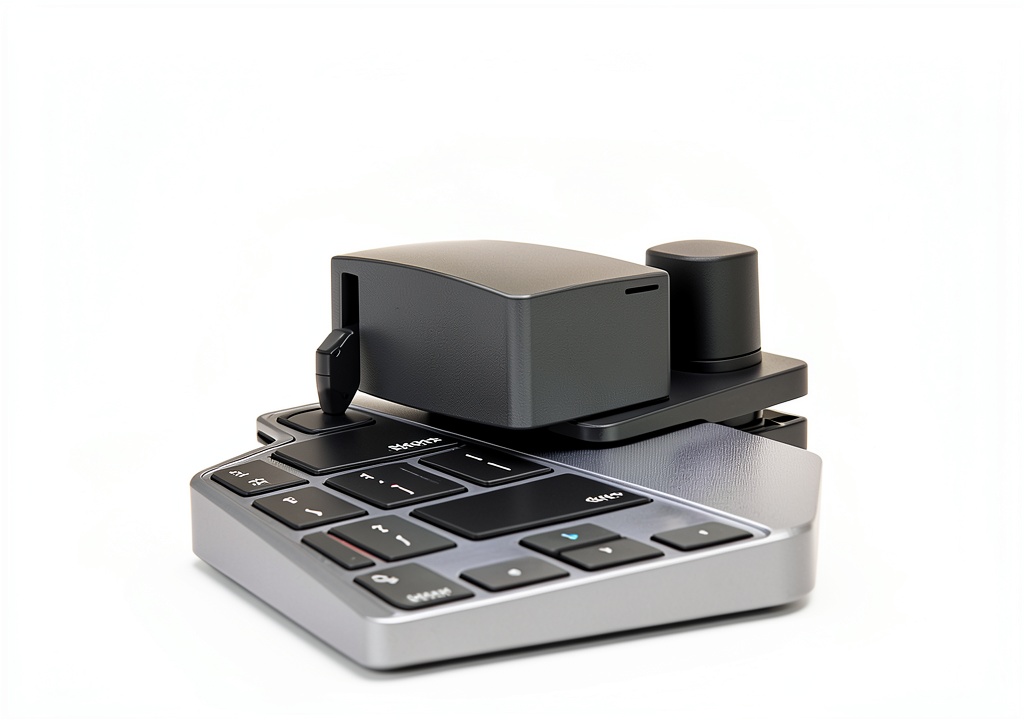
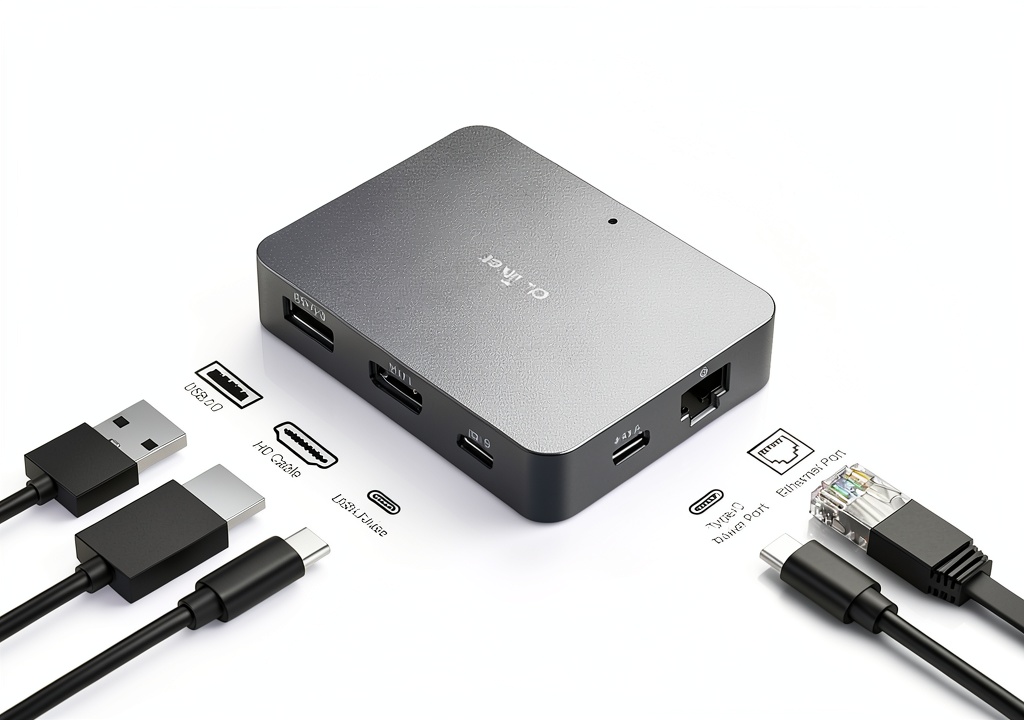
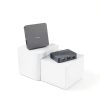
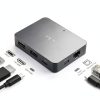
The GL.iNet Remote KVM Switch (model GL-RM1) delivers enterprise‑grade remote control in a compact 3.15 x 2.36 x 0.69 in device weighing just 3 oz. Featuring a built‑in H.264 hardware encoder, it streams desktop‑quality video up to 3840×2160 at 30 Hz with minimal latency, and supports full remote audio. The switch connects to any computer via a single HDMI and USB cable, requiring no additional software on the target machine. ![[Product front view showing all components]](https://www.newexpo.store/wp-content/uploads/2026/06/54e24e64626947c784e3296e4d751fe9.jpg)
Usage
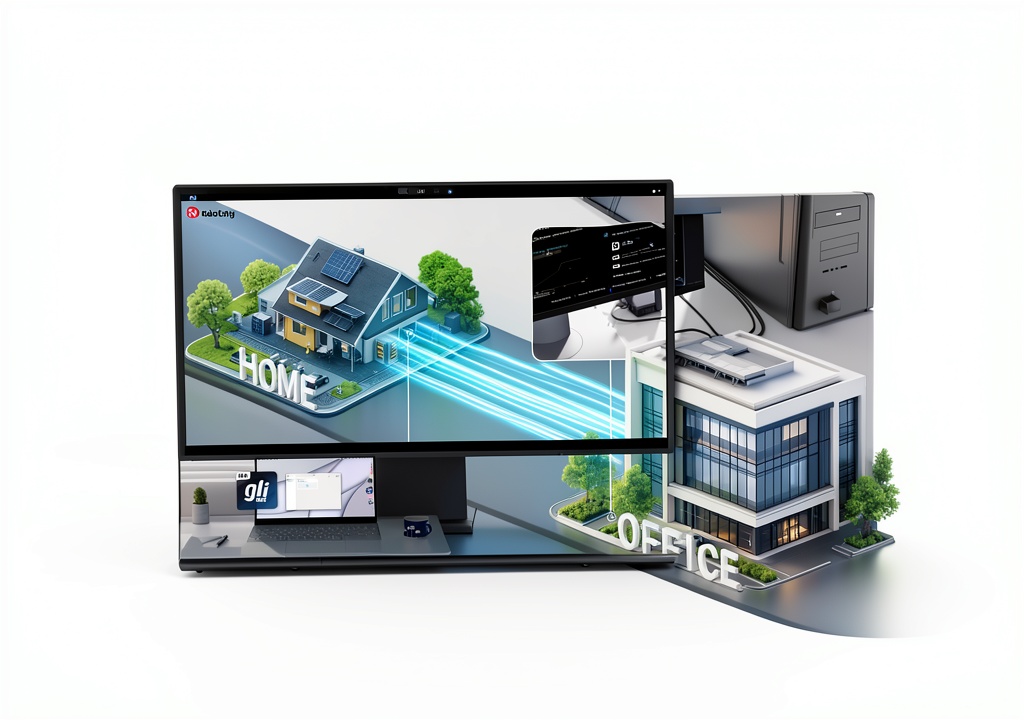
Ideal for IT administrators, remote support technicians, and smart‑home enthusiasts, this KVM enables you to power on, reboot, or install operating systems through the BIOS interface from anywhere. Use it in data centers, home offices, or while traveling to manage multiple machines without physically accessing them. Its plug‑and‑play design works with laptops, desktops, and servers, making it perfect for on‑site troubleshooting or off‑site monitoring.
Why Choose Us
GL.iNet combines reliable hardware engineering with a focus on user experience. The GL-RM1 is built with high‑quality components, undergoes rigorous testing, and comes with a responsive support team that offers firmware updates and technical assistance. Our commitment to security and performance ensures your remote sessions are stable and protected.
Key Features
- 4K HDMI video at 30 Hz with hardware H.264 encoding for crystal‑clear remote visuals.
- Low‑latency audio and video provide a seamless desktop‑like experience.
- Instant one‑click file transfer between host and client computers.
- BIOS‑level power control lets you reboot or power on machines remotely.
- 24/7 customer support and firmware updates ensure long‑term reliability.
FAQ
Can the KVM control a computer that is turned off?
Yes, the GL-RM1 can power on or reboot a machine via the BIOS interface, allowing full remote management even when the device is off.
Do I need to install any software on the target computer?
No additional software is required on the controlled computer; the device works with standard HDMI and USB connections.
What is the maximum distance for the HDMI cable?
For optimal 4K performance, we recommend using high‑speed HDMI cables up to 15 meters (≈50 ft).
Is the device compatible with both Windows and Linux?
Yes, the KVM functions independently of the operating system, making it compatible with Windows, Linux, macOS, and other platforms.
How does file transfer work?
Files are transferred through the built‑in USB bridge; simply drag and drop files in the remote session to move them between devices.
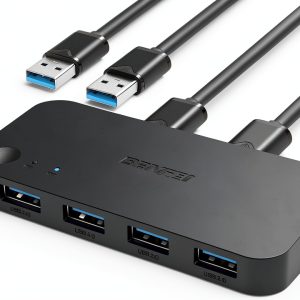
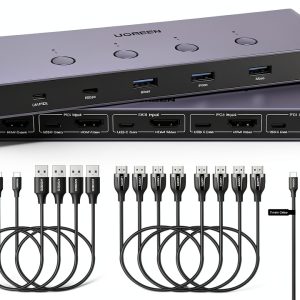
 Oxford Classical Criticism eBook PDF 288 Pages
  Kindle eBook English Literature Ancient Classical Literary
 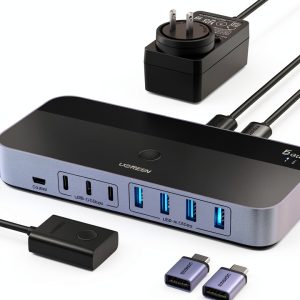 USB Switch 2‑In 7‑Out UGREEN USB A Switch with USB‑C Adapter
Reviews
There are no reviews yet.