



Description
Product Overview
The Lecnvuo USB switch is a 2-port device that allows you to share USB devices between 2 computers. It’s designed to be easy to use and plug and play, making it perfect for sharing multiple devices. The switch is powered directly from the computer’s USB port, eliminating the need for an AC adapter.
Usage
The Lecnvuo USB switch is ideal for sharing devices such as keyboards, mice, printers, and scanners between 2 computers. It’s also great for use in office settings where multiple users need to share devices. The switch is compatible with Windows, Mac, and Linux operating systems.
Why Choose Us
The Lecnvuo USB switch offers several competitive advantages, including its ease of use and plug and play design. It’s also backed by a quality assurance process that ensures the switch meets high standards for performance and reliability.
Key Features
- Share USB devices between 2 computers
- Easy to use and plug and play
- Single push button switch and LED indicator
- Powered directly from the computer’s USB port
- Compatible with Windows, Mac, and Linux operating systems
FAQ
What devices can I share with the Lecnvuo USB switch?
You can share a variety of devices with the Lecnvuo USB switch, including keyboards, mice, printers, scanners, and more.
Is the Lecnvuo USB switch compatible with my operating system?
The Lecnvuo USB switch is compatible with Windows, Mac, and Linux operating systems.
How do I install the Lecnvuo USB switch?
The Lecnvuo USB switch is plug and play, so you don’t need to install any drivers or software. Simply plug it in and start using it.




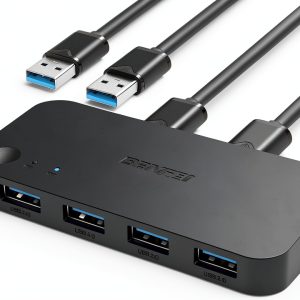 USB 3.0 KVM Switch BENFEI 2 in 4 USB Switch Model 000354 Black
  HTS 164P1 6.25" Triangle Slotted Locking Pennington Forceps
 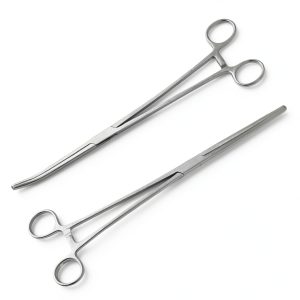 SURGICAL ONLINE Set of 2 Premium Quality 10" Long Rochester Pean Hemostat Full Mouth Serration Forceps Straight & Curved Clamps Three Locking Positions - SurgicalOnline
  University of California Press Literary Criticism Kindle
  Vintage Literary Criticism Kindle Book Parent Relationships
 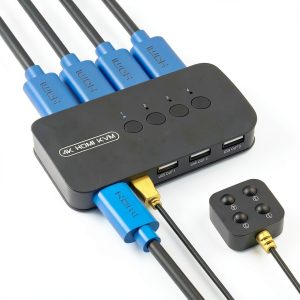 DGODRT 4 Port HDMI USB KVM Switch
 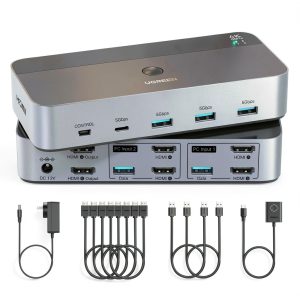 HDMI KVM Switch 2 Computers 2 Monitors UGREEN Dual HDMI 4K@60Hz
 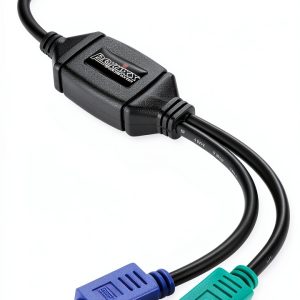 PS2 to USB Adapter Perixx PERIPRO-401 Dual Port Keyboard Mouse Black
  Penguin Illustrated English Literature Book Kindle Edition
 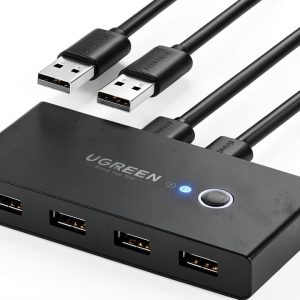 UGREEN USB 4-Port Switch Box 2-In-4-Out 5V Gold Contact Plug-In Black
  Cornell University Press Ancient Greek History Kindle Book
  SURGICAL ONLINE Set of 2 Premium Quality 12" Rochester Pean Hemostat Forceps Straight & Curved Clamps Three Locking Positions - SurgicalOnline
  Rogue Quickdraw Forceps
  Johns Hopkins Press Ancient Greek History Kindle 3rd
  Classic Roman Literature Kindle by Musaicum Books
Reviews
There are no reviews yet.